Data Extraction AI AgentRead a 200-page report in minutes, not weeks
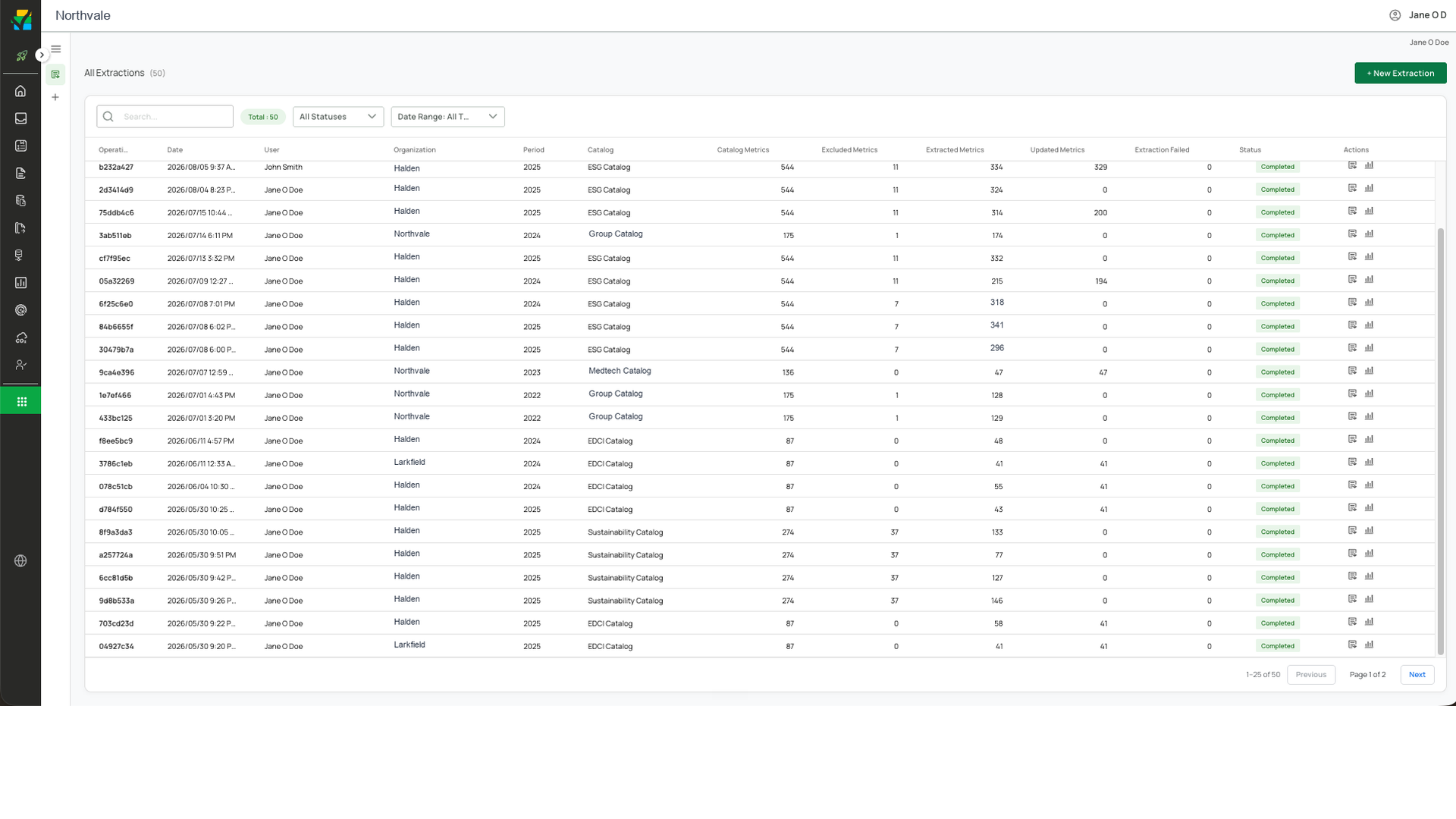
Point Data Extraction at any ESG report or spreadsheet and it pulls the numbers you need straight into your catalog, tables and charts included.
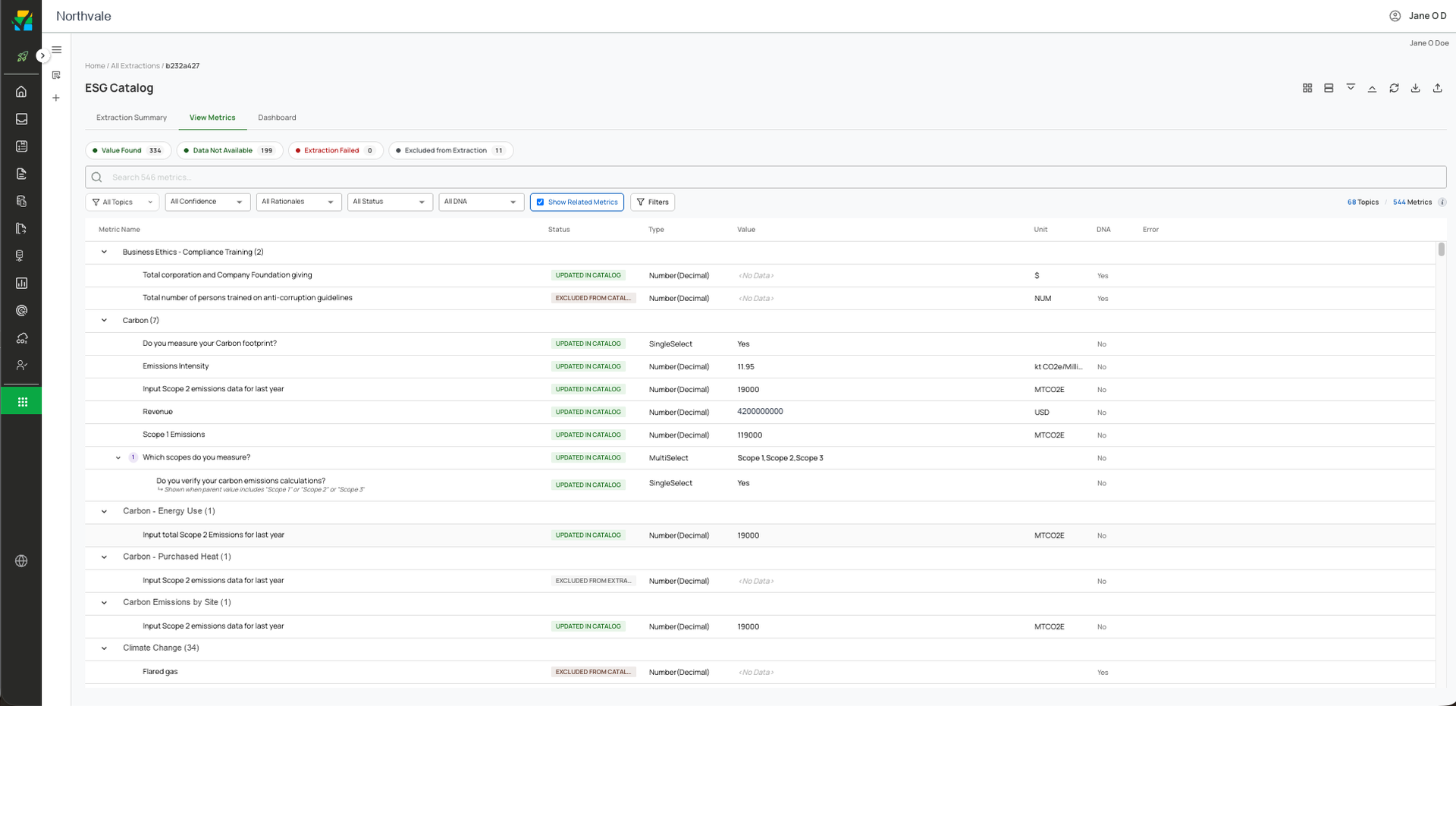
Every extracted value shows its topic, its type and whether it reached the catalog
Metrics group under the sustainability topic they belong to. Each row carries the value found, its unit and its status. Filters narrow the list to what was found, what had no data available and what was excluded from extraction.
Structured data, grounded in real sources
Data Extraction lands every figure in Pulsora, already mapped to your structure, so each number traces back to the document it came from.
Reads the whole document
Pulls text, descriptions, and table metrics, including large tables and numbers inside images.
Parents and children, converted
Captures child metrics with their parents and converts units, keeping the original value and factor.
Trust the result
Compares outputs across models with a judge, and you can download the source file to cross-check any number.
Data Extraction FAQ
PDFs, spreadsheets, and supplier disclosures, whatever the layout. It reads the figures out of each one.
It flags the item for review instead of guessing, so nothing wrong enters your numbers.
Straight into Pulsora, mapped to your structure, with each figure linked to its source.
Yes. You can try Pulsora AI free for 14 days.


